Scenes and controls
How scenes start, what they cost and how to control them.
A girl’s menu
Right-clicking a girl opens her action menu. What’s in it depends on the girl: some charge for scenes, some don’t, and some have no menu at all and decide everything on their own.
If a girl already has an owner, only the owner can open her menu. Someone else’s companion just says she’s busy.
Prices
The price is drawn next to the action: an item and an amount. For example, Jenny takes emeralds, diamonds and ender pearls, and Luna takes fish. Under a Horny Potion some girls agree for free.
Beds
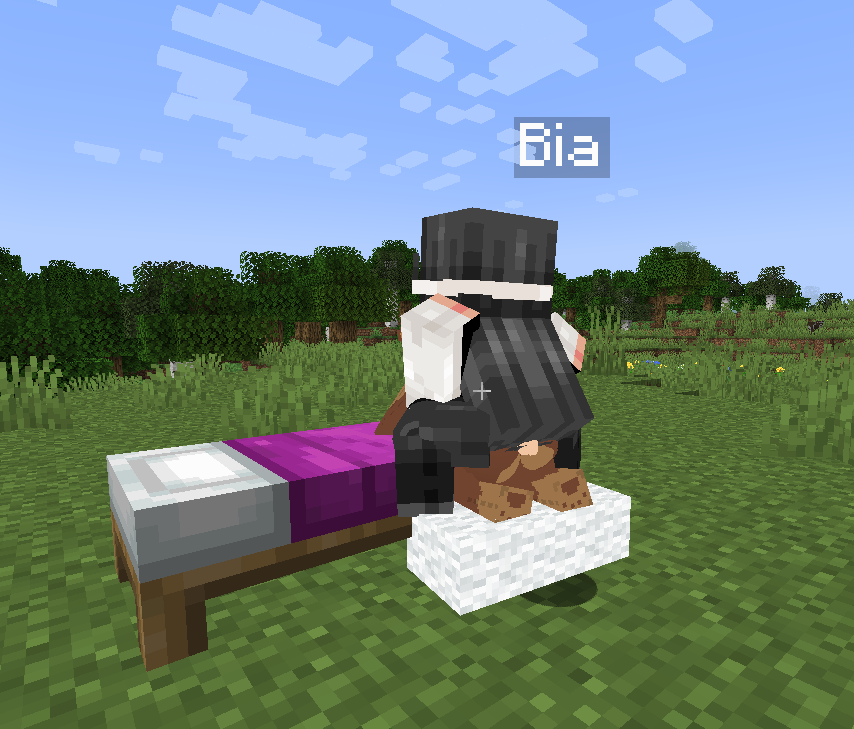
Some scenes happen on a bed. The girl finds the nearest free bed herself, walks to it and waits for you. If there’s no bed nearby, it’s taken or she can’t reach it, she tells you so and the scene doesn’t start. Put a bed nearby and try again.
Scene controls
- Shift: hold it to speed up the scene animation.
- Space finishes the scene.
- V turns on the free cinematic camera so you can fly around the scene. You can rebind it in the controls settings, under “Sexmod”.
- The mouse wheel zooms the camera in during a scene.
While a scene is running, mobs can’t hurt you and nothing knocks you back.
With other players
If a player has turned into a girl (see Horny Potion and morphs), they can offer a scene to another player. That player gets a request in chat and has 60 seconds to answer.
