First launch
Check the installation and learn the basics.
1. The 18+ warning
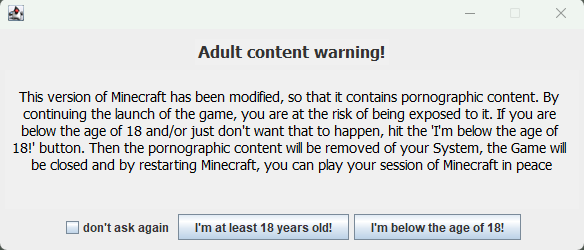
On first launch you’ll see a warning window. Press “I’m at least 18 years old!” to play with the mod. The “don’t ask again” box hides the window for good.
2. Make sure the mod is there
Open the mod list in the main menu. If JennySP is there, everything is installed correctly. The JennySP creative tab has spawn eggs for every girl and all the mod’s items, which is handy for a first look.
3. How to interact with a girl
Walk up to her and right-click. Her action menu opens. If an action has a price, the item and the amount are drawn next to it: they are taken from your inventory. If you don’t have enough, the girl tells you that you can’t afford it.
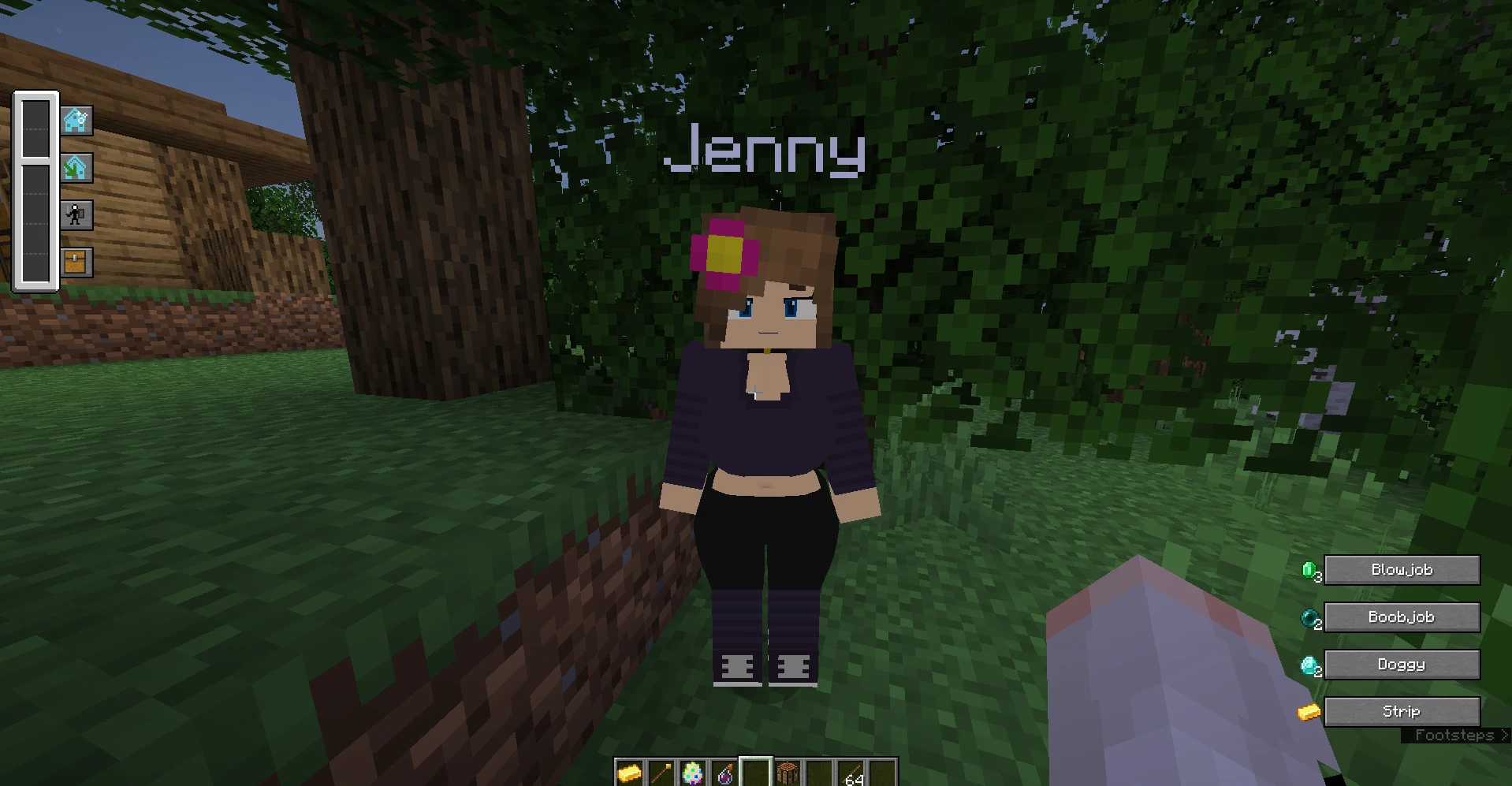
During a scene the controls are:
- Shift speeds up the scene animation.
- Space finishes the scene.
- V turns on the free cinematic camera.
More on the Scenes and controls page.
4. Add a resource pack
Download a pack you like from the catalog, put the ZIP archive into the resourcepacks folder and enable it in the game settings.
.minecraft / resourcepacks